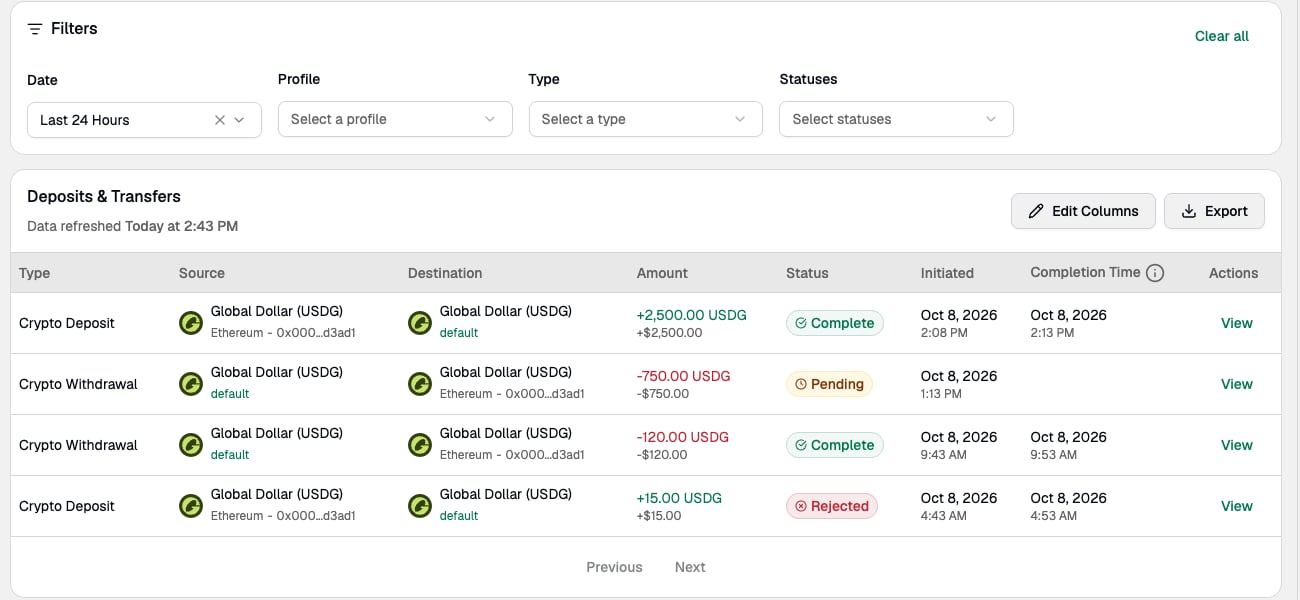
Go to Transactions to track and review current and past activity. Select either Deposits & Transfers to see deposits and transfers or Conversions to review assets that have been converted and moved to another Profile within the same Entity. A list of recent transactions is available for offline viewing using Export.
Deposits & Transfers table with filters, status, initiated and completion times, and a View action for each transaction
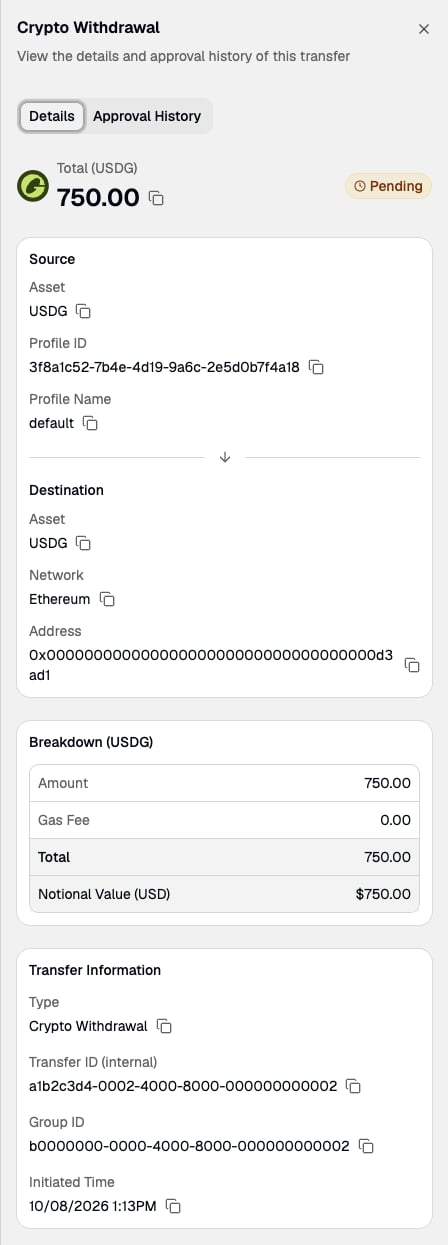
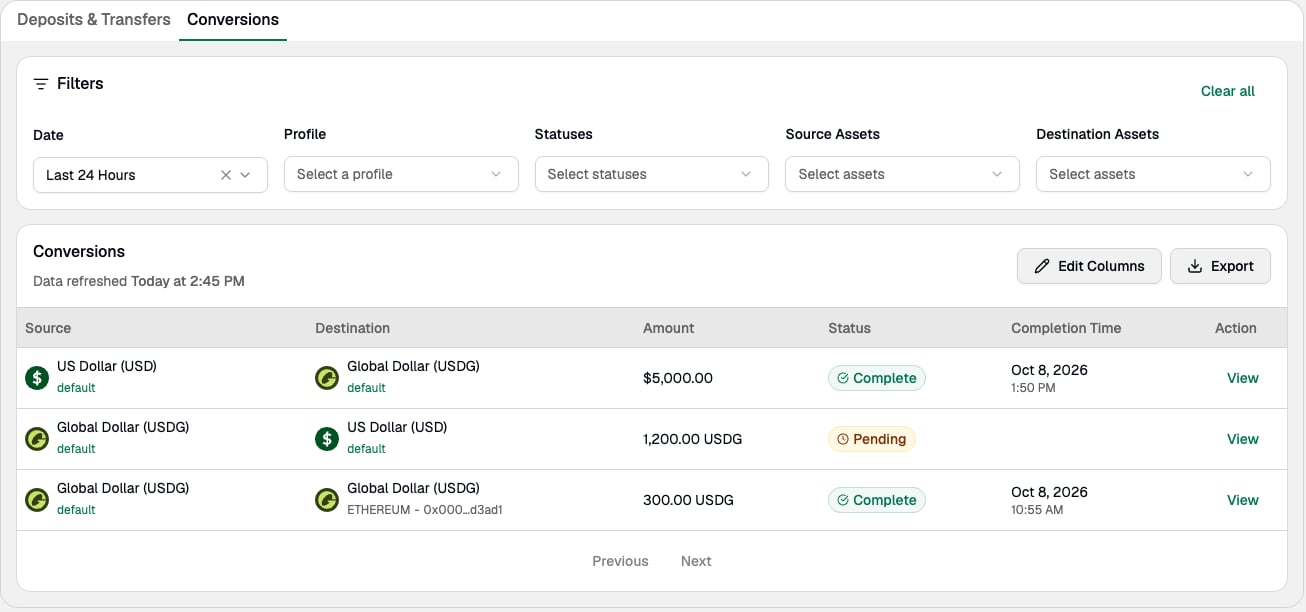
Select View on a row to see its details, including the source, destination, amount breakdown, and IDs. Transfer details panel showing source, destination, breakdown, Transfer ID, and Group ID The Conversions tab lists each conversion with its source, destination, amount, and status.
Conversions tab showing completed and pending conversions
When contacting Support about a transfer, include the unique Transfer ID (internal) and Group ID in your message to help our agents find the correct transaction.

Travel Rule Actions

The Paxos platform supports Travel Rule to ensure regulatory compliance within certain geographies. If any of your transactions are missing information due to Travel Rule requirements, you’ll see a Requiring Action section at the top of the Transactions page. This section includes all transactions that need attention and action.
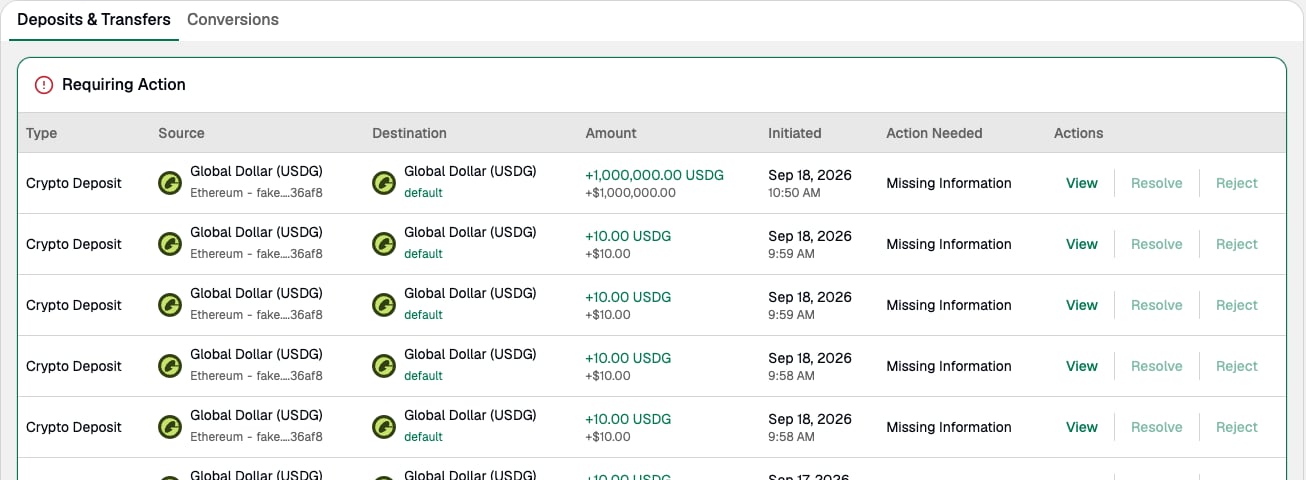
Requiring Action section listing crypto deposits with Missing Information and View, Resolve, and Reject actions