

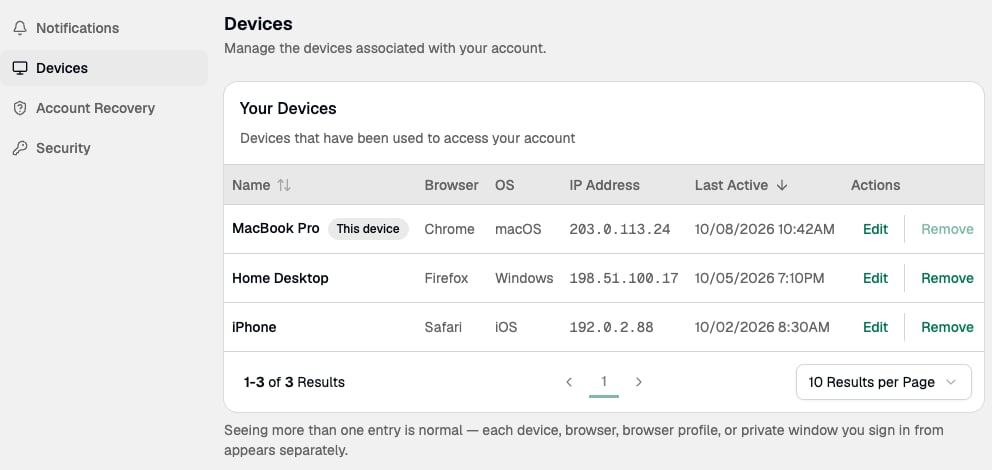
How devices are registered
Paxos creates a new device entry each time you sign in from:- A new device.
- A new browser.
- A new browser profile, including Incognito mode or similar private browsing modes.
Rename a device
- Go to Settings > Devices.
- Find the device you want to rename and enter a new name.
Remove a device
- Go to Settings > Devices.
- Find the device you want to remove and remove it from the list.
New device notifications
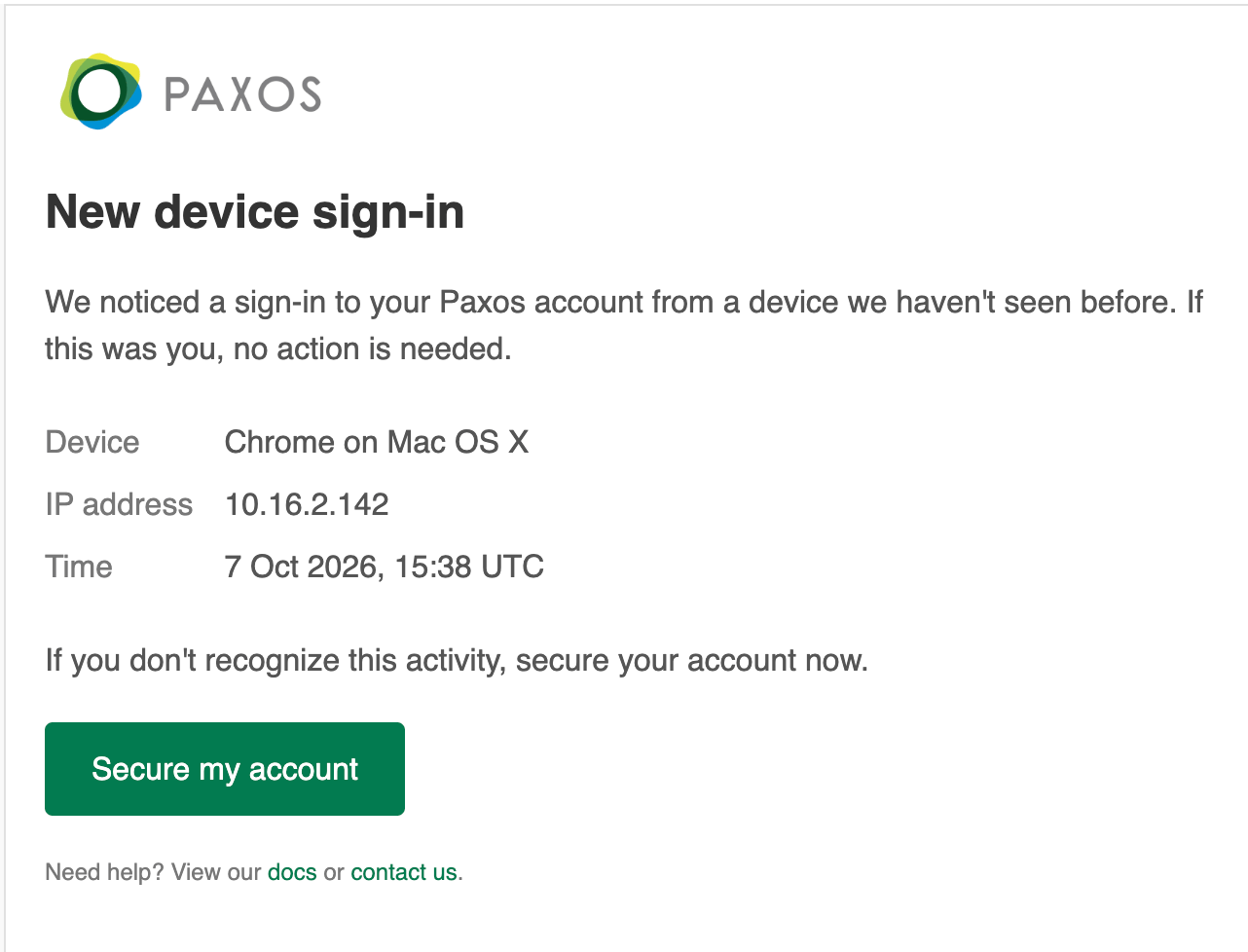
When Paxos registers a new device on your account, you receive:- A notification in the Dashboard.
- An email with a Secure my account link.
Lock your account
Locking your account signs you out of all sessions on every device and disables your user.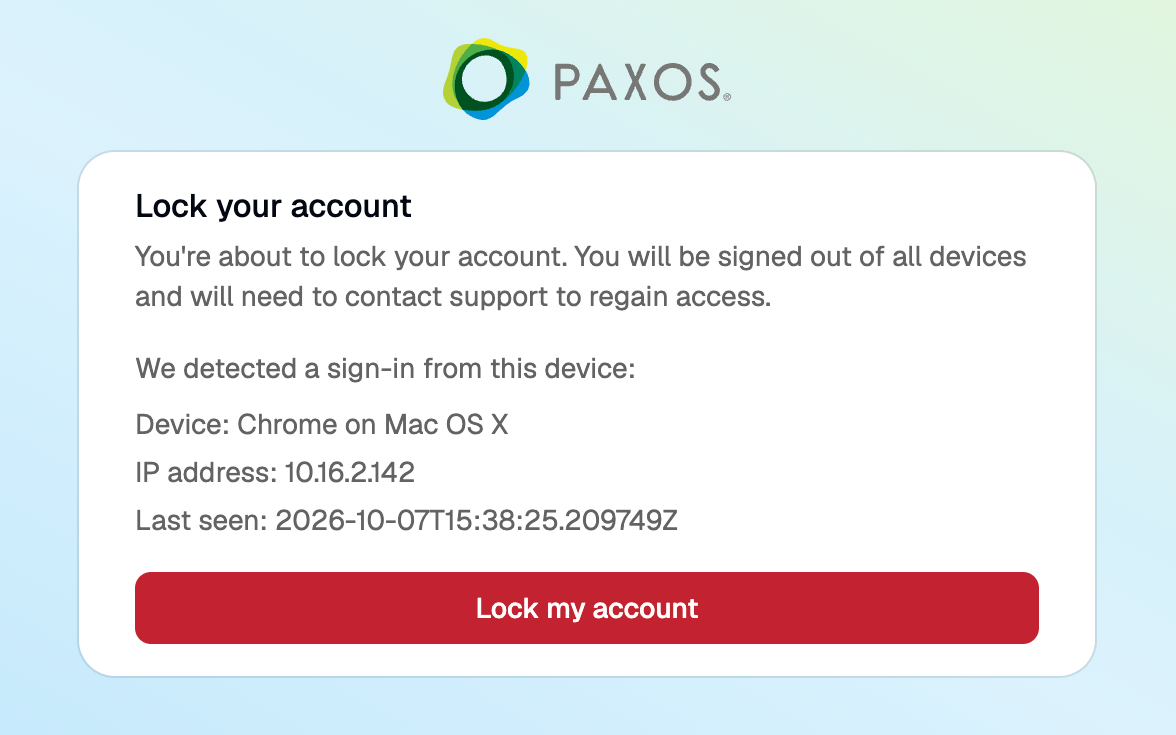
Questions? Contact Support.